SCTV Digital · Pizza shop ordering
AI Phone & SMS Ordering for Pizza Shops
Keep the oven busy. Not the phone.
An AI agent takes the call, confirms the toppings and connects the order to your supported POS and kitchen display. Add SMS orders, secure payments and pickup updates—without pulling your team off the bench.
Discuss Your Pizza Shop SetupBuilt around your menu. POS, payments and KDS compatibility checked first.
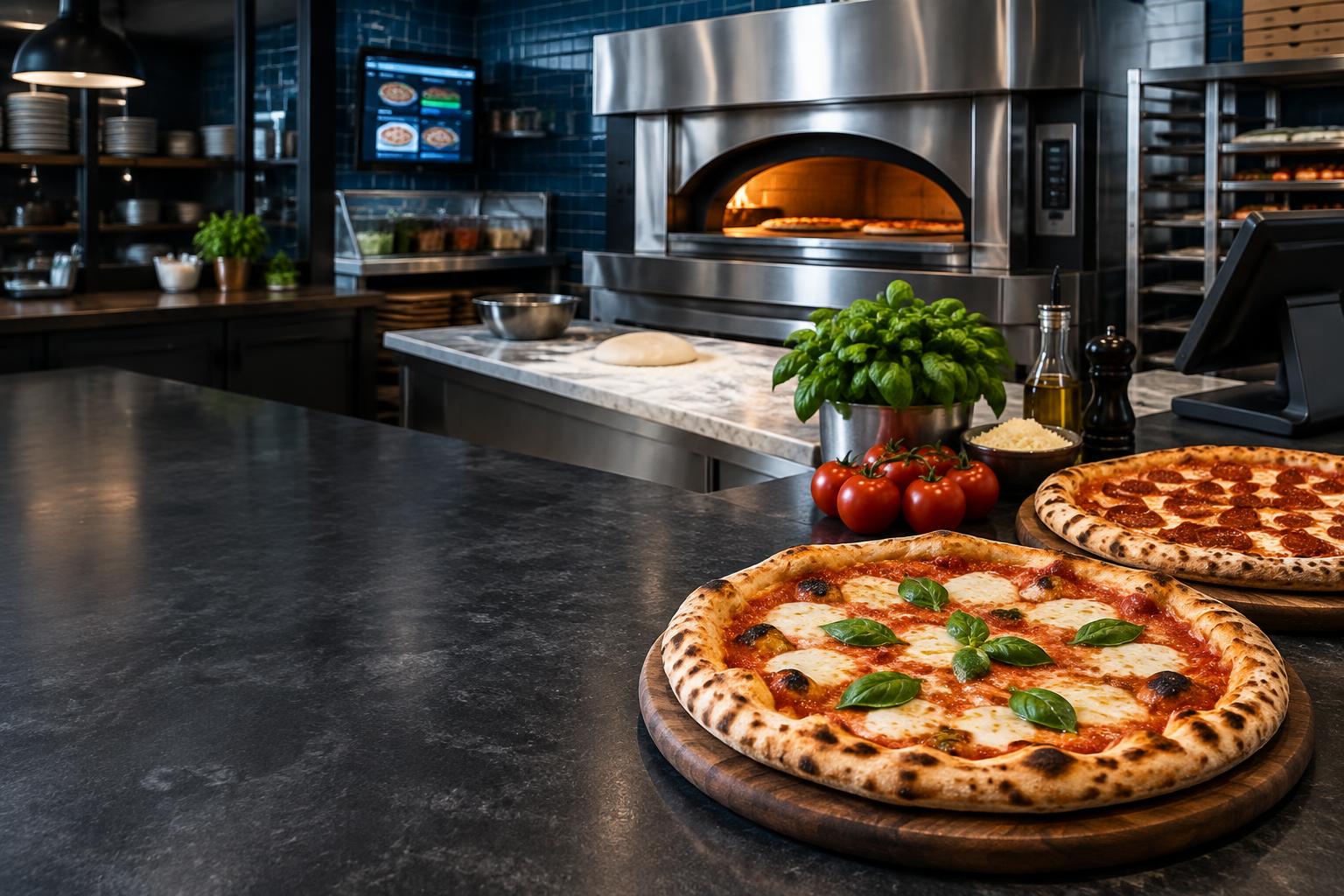
Illustrative pizza shop · integrations scoped and tested before launch
Built for the dinner rush
More making. Less repeating.
A ringing phone, handwritten changes and customers chasing pickup times can break the flow. Connect the conversation to the kitchen, with your team in control.
- Confirm sizes, bases, toppings and extras against your approved menu.
- Take phone or SMS orders and send a secure payment link.
- Push confirmed, paid orders to a tested POS and kitchen display.
- Send real pickup updates and keep supported customer records connected.
An AI phone agent, built for your business
Your voice. Your menu. Your way of working.
SCTV builds AI-powered agents that answer calls and handle SMS orders around your pizza shop’s approved menu and processes—not a generic answering service.
Keep the number customers know
Explore diverting calls from your existing number or using a dedicated landline or mobile. Number availability, SMS support and call routing are checked first.
Choose the voice. Set the rules.
Choose a voice suited to your brand. Answer menu and price questions from approved information, confirm order details and hand uncertain requests to staff.
A useful record after the call
Generate a call summary and order report, with confirmed details connected to supported customer records or your CRM. Agree privacy, recording notices and access before launch.
From phone to pickup
An order that keeps moving.
Call or SMS
The order starts with a conversation.
Your AI agent captures pizzas, sizes, bases, toppings, sides and pickup details from the approved menu. It reads the order back; allergy questions and unsupported changes go to staff.
Awaiting customer confirmation
Just confirming: one large margherita, one large pepperoni with extra cheese, and garlic bread, for pickup. Is that right?
One connected ordering flow
From the caller to the kitchen screen.
POS & kitchen display
Check that your system accepts orders with the right modifiers and routes tickets to the right station. A CRM connection alone cannot put a pizza on the kitchen screen.
Square or Stripe payments
Choose the payment flow that fits your existing setup. Verify paid status before kitchen release, and agree refunds, reconciliation and failed-payment handling.
SMS & customer records
Confirm the order, send payment and pickup messages, and connect supported order history to your CRM. Promotional messages require separate permission.
Compatibility is assessed for your exact POS, KDS and merchant setup. Pickup is the starting point; delivery and dispatch are scoped separately.
Your team keeps control
The right order. Not an AI guess.
Approved menu information
Use your confirmed prices, availability, sizes and topping rules. Allergy requests, unclear changes and unsupported combinations go to staff.
Verified before preparation
A checkout click is not payment. Confirm payment and test duplicate orders, lost connections and staff fallbacks before real orders begin.
Pickup times from the shop
Use kitchen events or staff confirmation for timing. The agent never invents an ETA or promises delivery outside your agreed service area.
From discovery to delivery
Start with one shop. Prove the whole flow.
- 01
Review your setup
Map your menu, phone number, ordering process, POS, kitchen screen and payment provider.
- 02
Agree a fixed-price scope
Confirm supported connections, order rules, customer messages, staff handovers and acceptance criteria.
- 03
Pilot before launch
Test menu changes, payments, kitchen tickets and pickup messages with your team before serving real customers.
Your next step
What interrupts your pizza rush?
Tell us which POS and kitchen display you use, how orders arrive and what you want connected. We’ll assess the fit before preparing a fixed-price quote.