SCTV Digital · Café ordering
Café Phone & SMS Ordering Automation
Take orders. Not interruptions.
Turn a call or text into a confirmed order, an SMS payment link and a connected kitchen handoff. Keep your team on the coffee—not the phone.
Discuss Your Café SetupSquare-first for Square cafés. Other POS systems assessed individually.
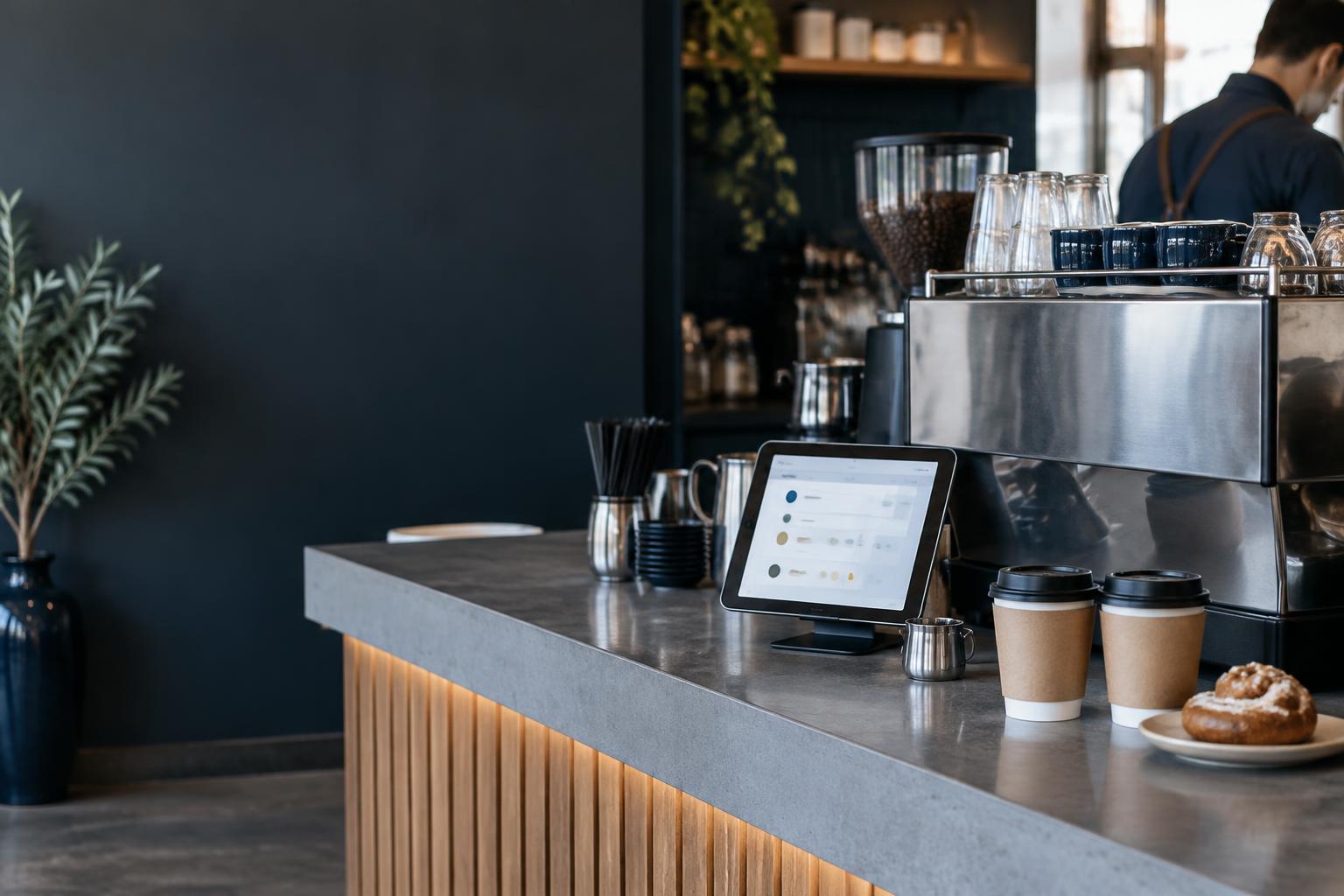
Illustrative café imagery · integrations scoped and tested before launch
Keep the rush flowing
The phone shouldn’t stop the pour.
Phone orders, payment chasing and handwritten tickets pull your team away from customers. Connect the steps around the menu and systems you already use.
- Capture items, sizes and extras before the kitchen gets the order.
- Send a secure checkout link instead of taking card details over the phone.
- Return confirmed pickup updates without another customer call.
- Build a customer record—and an optional, consent-based marketing list.
From phone to pickup
An order that keeps moving.
Call or SMS
The order starts with a conversation.
An ordering assistant captures menu items, sizes, extras and pickup details. Unclear requests and allergy questions go to your team.
Awaiting customer confirmation
Just confirming: two flat whites, one with oat milk, and a toasted sandwich. Is that right?
Built around your café
Square where it fits. Your POS where it works.
Square cafés
Use a Square payment link for the exact order, sent by SMS. Validate paid pickup orders, your POS configuration and kitchen routing together.
Other POS or Stripe
Assess supported order and payment connections first. Stripe can be an option where appropriate; fees, reconciliation and kitchen routing are agreed before quoting.
Customer records & CRM
Connect supported customer records and order history. A CRM alone does not send an order to the kitchen. Marketing consent stays separate from order updates.
POS and kitchen-display compatibility, payment events and usable readiness updates must be proven with your café’s setup. Not every system supports every step.
Staff stay in control
Automate the routine. Escalate the exceptions.
Your menu is the source
Confirm prices, modifiers, availability and opening hours from your café. Allergy questions, substitutions and unclear orders go to staff.
Paid means verified
No preparation on a payment-link click. Test duplicates, expired payments, refunds and connection failures, with a clear staff fallback.
Real timing. Clear consent.
Pickup estimates come from the café, not the assistant’s imagination. Offers require separate permission and an unsubscribe option.
From discovery to delivery
Prove one café flow. Then launch.
- 01
Check your setup
Review your menu, POS, kitchen display, payment provider and the way your team handles pickup orders.
- 02
Agree a fixed-price scope
Define the supported journey, customer messages, staff approvals, consent and failure handling. No assumed integrations.
- 03
Pilot with your team
Test orders, payment confirmation, kitchen handoff and pickup updates before the system handles real customers.
Your next step
What happens when your café phone rings?
Tell us your POS, how orders reach the kitchen and where the interruptions happen. We’ll assess a practical starting point and prepare a fixed-price quote against agreed scope.